
Get started
Introduction
One control plane for parallel React Native work on macOS.
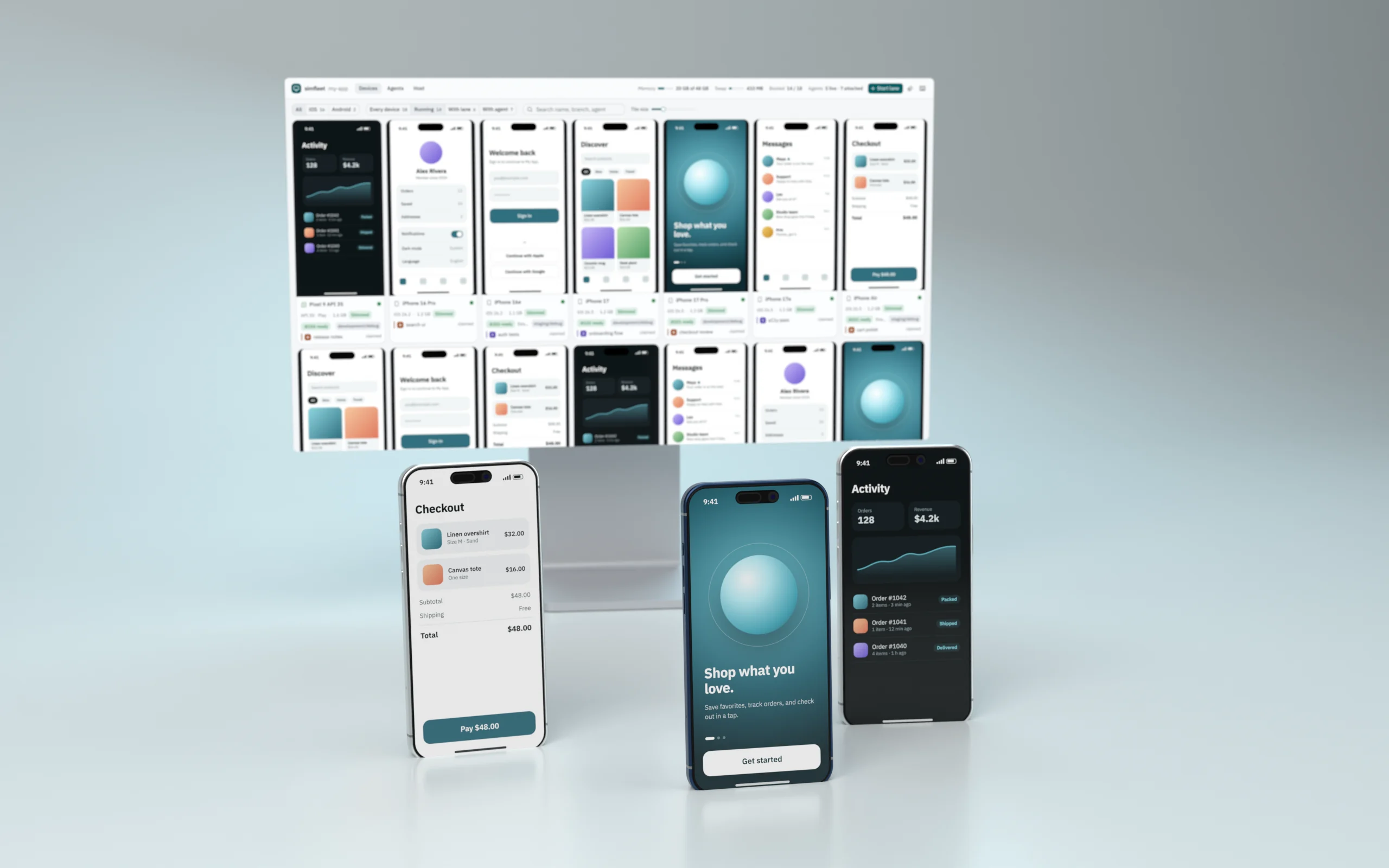
simfleet runs many React Native worktrees in parallel on slimmed iOS simulators and Android emulators. It gives you one live browser dashboard, one CLI and HTTP API that agents can call, leased Metro ports, a shared native build cache, and a record of which Claude Code or Codex session is driving each device.
Quickstart
From install to a running lane in five minutes.
Always slim
Why every device boots trimmed, and how to opt out.
Agent skill
Teach Claude Code and Codex to share the fleet.
API reference
The local HTTP and WebSocket contract.
The problem
Working on several branches at once, whether you or a handful of coding agents, runs into the same walls:
- Memory. A stock iOS simulator holds about 3.8 GB; five of them and a few Metro servers exhaust a 32 GB Mac.
- Ports. Every Metro wants 8081. Collisions show up as the wrong bundle on the wrong device.
- Rebuilds. Switching environment or branch often triggers a native rebuild that has nothing to do with the change.
- Contention. Agents boot, tap, and shut down each other's devices because nothing says who owns what.
What simfleet does
| Always slim | Simulators are trimmed with SimSlim (about 3.8 → 1.3 GB), emulators with avdslim (-lowram, host GPU, ~45 packages disabled). Strays booted by Xcode or Android Studio are slimmed automatically. |
| Live dashboard | Every device streams into one wall. iOS over MJPEG; Android as hardware H.264 with real touch, drag, scroll, and keys. |
| Lanes | One worktree + one device + one leased Metro port. Lanes refuse to steal anything. |
| Native build cache | Native inputs are fingerprinted (JS excluded) and misses are single-flighted, so parallel agents share one build. |
| Agent attribution | Every CLI call from Claude Code or Codex is attributed to the device it touches. Claims make ownership explicit, and a menu-bar icon shows it. |
Info
simfleet is a local tool. The server binds to 127.0.0.1 and drives devices through simctl, SimSlim, Baguette, adb, avdslim, and scrcpy — all of which run on your Mac.